← Home
How it works

Live in three steps. It’s an open door, not a setup project.

You don’t configure IntelligentWolf. You walk in and start working — then ask for whatever your business needs next.
intelligentwolf.com/app

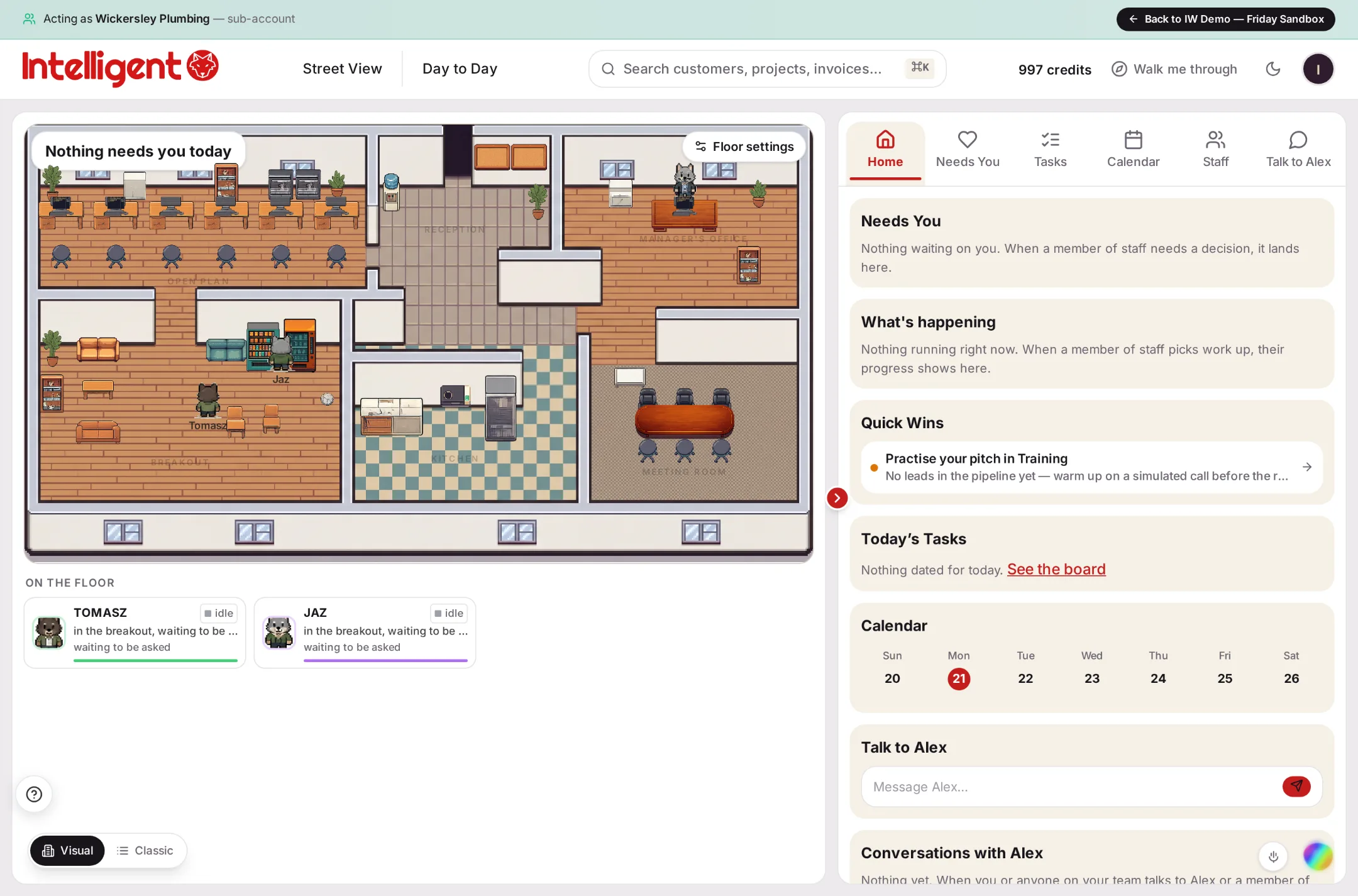
An animated sequence moving from the IntelligentWolf street view, into an opened building, into a working office floor with named AI staff at their desks — the real product, shown with demo data.

An example floor, from the live product. Your staff, your work.

Three steps

Start to finish, no setup project.

1
Open a floor
Sign in and you’re straight inside — a full office, ready to work. No setup project, no blank canvas.
2
Bring on your staff
Ask for the team you need — marketing, sales, admin, CRM and campaigns — and they get to work, with the floor showing you what’s underway.
3
Ask Alex for anything else
“Build me a system for X.” It gets built, right there, with you — and nothing goes out until you say yes.
See your business as a building

Every business a floor. Every floor, staffed.

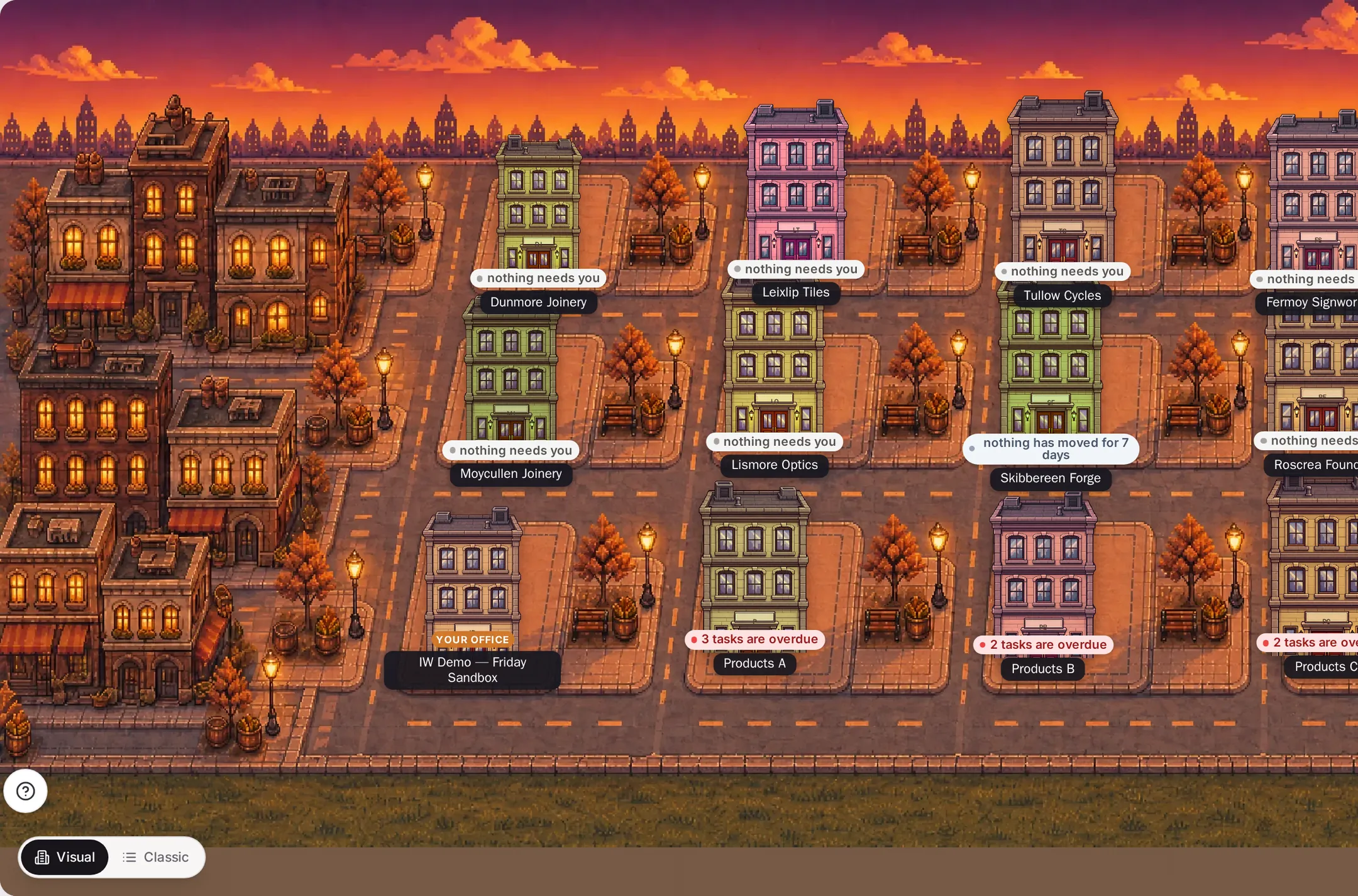
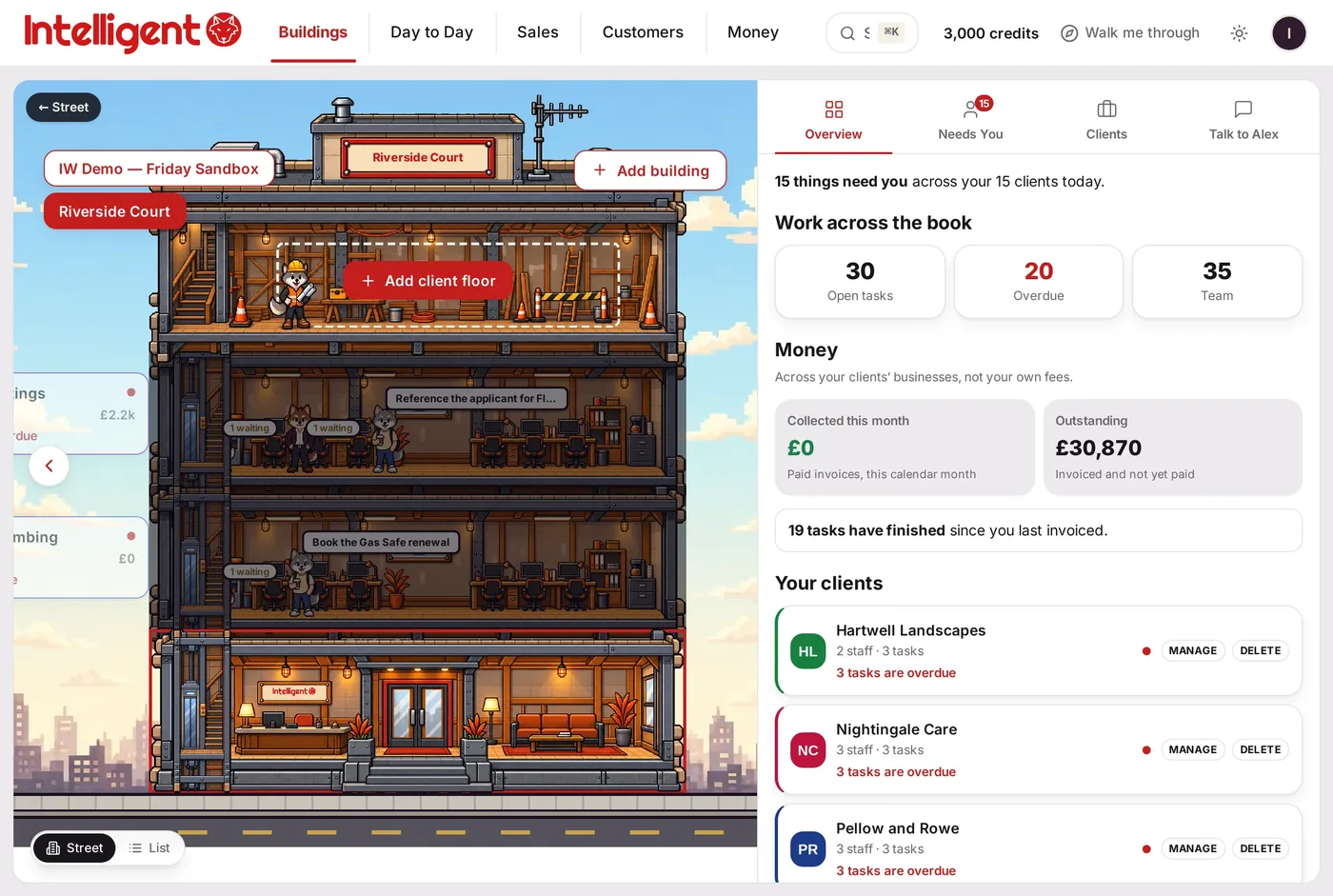
IntelligentWolf turns the thing you run into a place you can walk through — so you can see, at a glance, exactly what’s happening and where you’re needed.
intelligentwolf.com/app
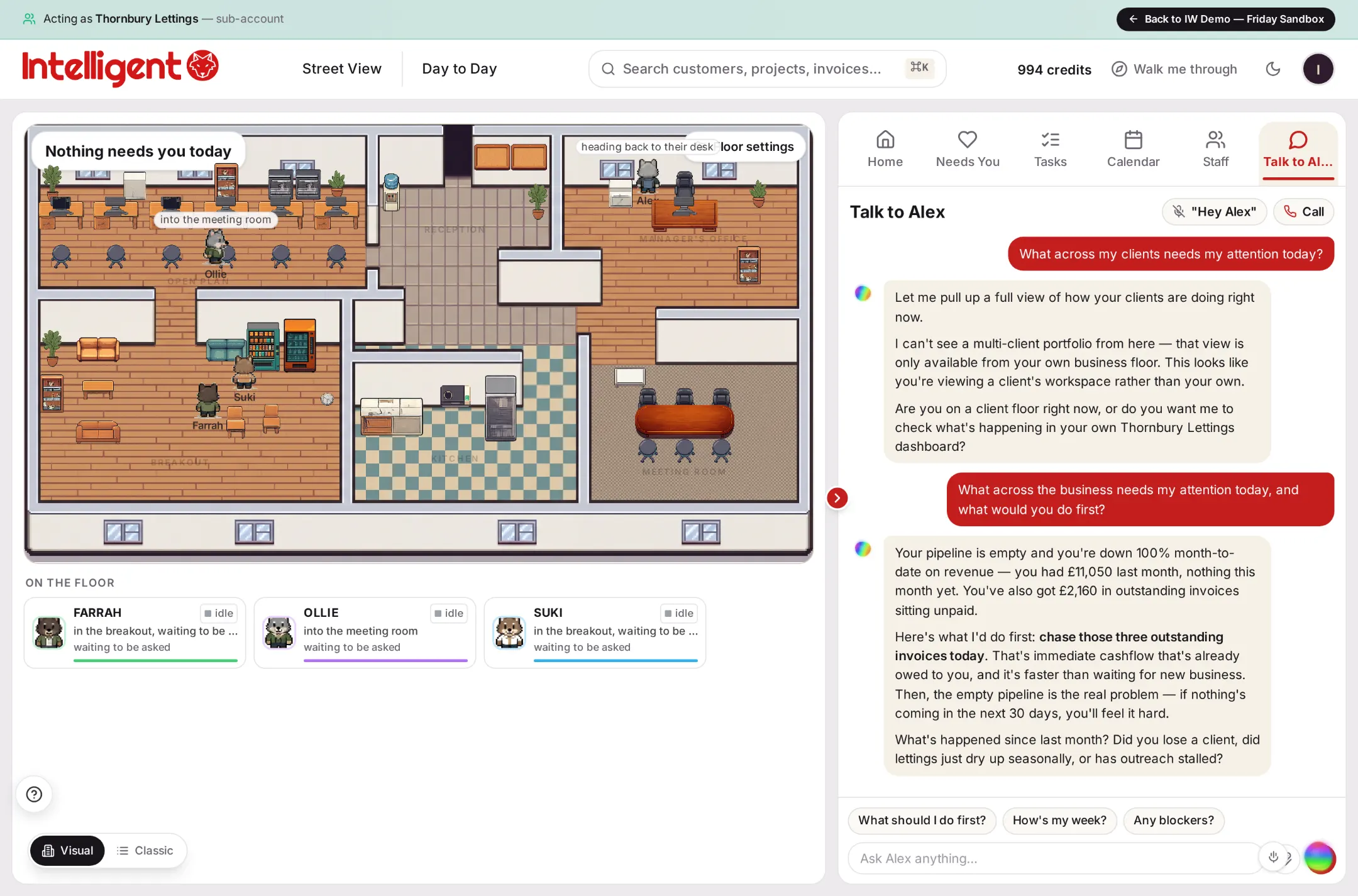
Alex mid-conversation — reading the numbers and giving the next move: chase these three invoices, the empty pipeline is the real problem. Real product · demo data.
Illustrative data
Each floor is a business
One floor per company you run — your own, or a client’s. Open the door and you’re inside its office.
The staff are your AI team
The wolves at the desks are your AI staff, working real tasks — writing, chasing, researching — in real time.
The rail keeps you honest
Down the side: money owed, jobs done but not invoiced, what’s overdue, what’s gone quiet.
One Alex, every floor
Your manager sees across the whole building. Ask once, and Alex handles it wherever it lives.
Classic view, always one tap away
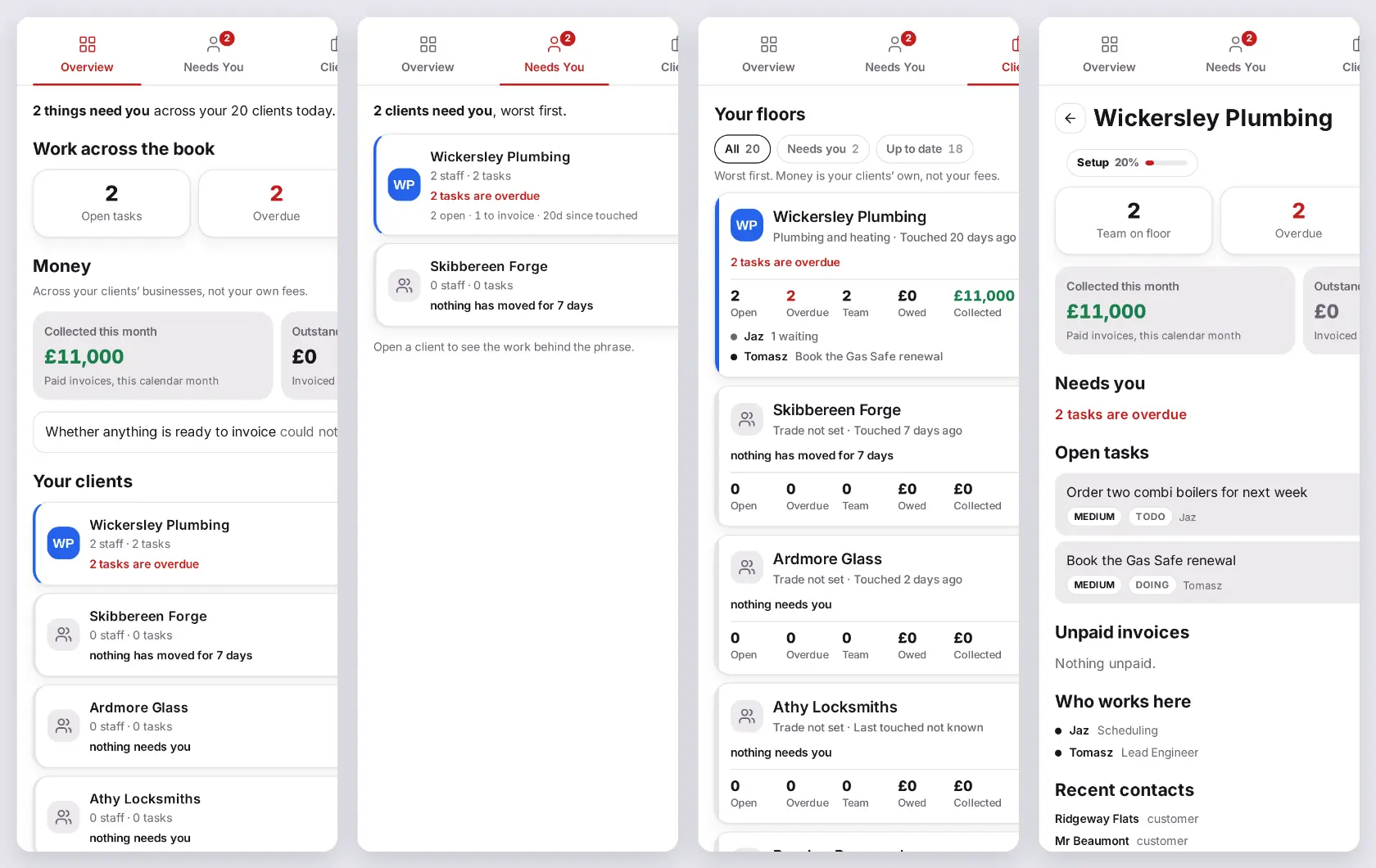
Prefer lists and tables? The same Visual / Classic switch sits bottom-left on every screen. One tap swaps the building for a table — the same data, the same numbers — and it’s remembered wherever you go. It’s real work, not a game.
Walk the building

See exactly where you’re needed.

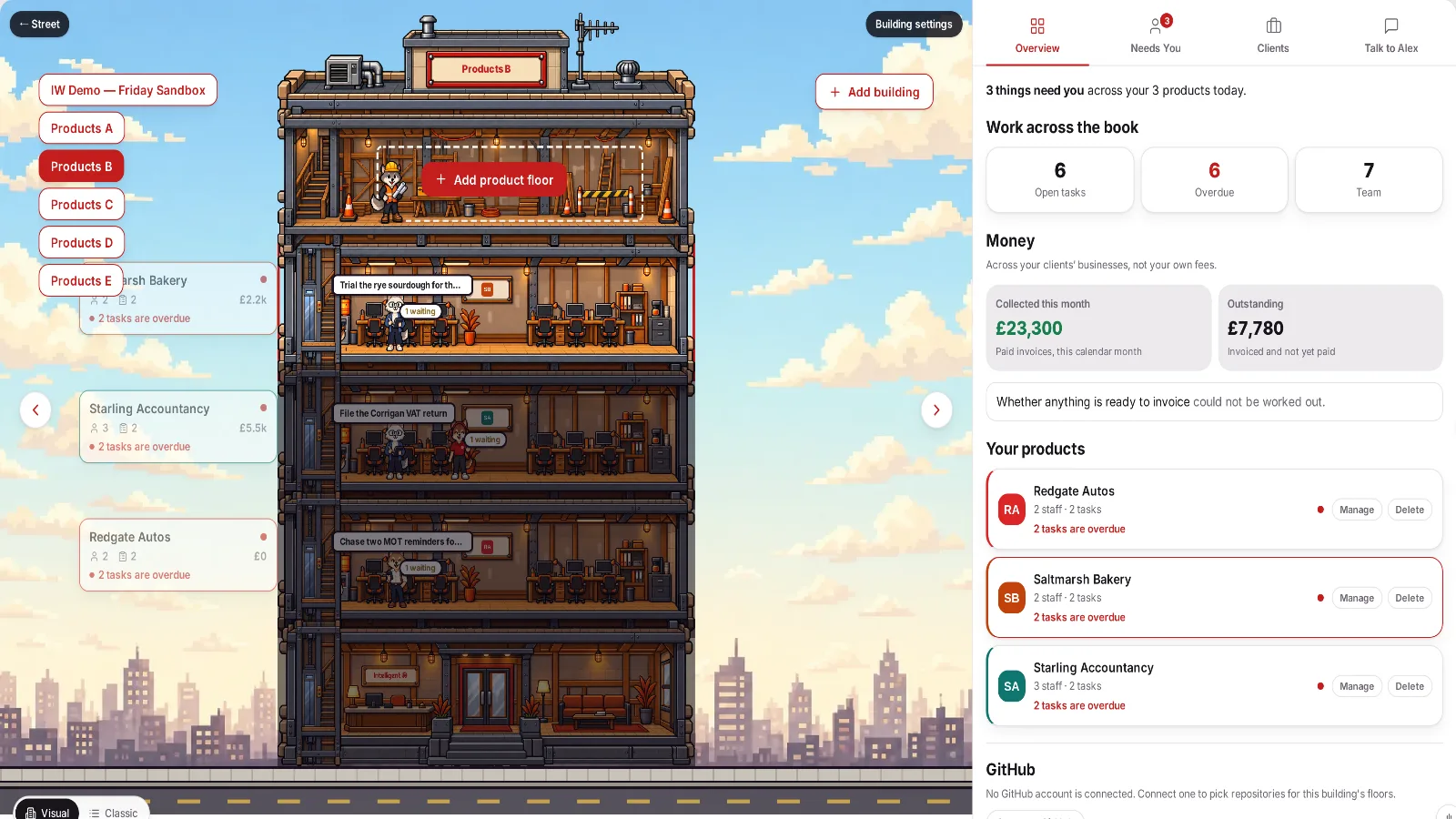
Instead of ten dashboards, you get one building. Each floor tells you its story — what’s overdue, what’s done but not invoiced, what’s gone quiet — so the next move is obvious.

  • Money and status on every floor
  • The “Needs you” list, gathered in one place
  • Open a floor to see its staff at work
intelligentwolf.com/app
The building with a floor in focus — each floor tells you what needs doing. Illustrative data.
Illustrative data
Ask, don’t configure

“Alex, build me a system for that.”

The things a normal platform makes you set up, you simply ask for. Alex builds it in context — and you approve every step.

  • No forms, no wizards, no jargon
  • Built with the data already on your floors
  • You’re always in the loop
intelligentwolf.com/app
The real Needs You and Talk to Alex tabs — plain-language requests, honest data.
Illustrative data
Questions

Before you start, ask us anything.

Do I need to set anything up first?
No. Sign in and you’re straight inside — a full office, ready to work. No setup project, no blank canvas.
Can I ask for something the app doesn’t already do?
“Build me a system for X.” It gets built, right there, with you — and nothing goes out until you say yes.
Is it safe to let Alex act for me?
Yes. It works in tabs you can see, and anything that would change something stops and shows you exactly what it will do first — sign-in, banking and payment pages are hard-blocked. You stay in control of what happens next.
What if I run more than one business?
Add a floor for each. One building, one login, one Alex across them all — ideal for consultants and agencies.

Your business has work to do.

Ask Alex where to start.

Get Started

Choose your plan and your floor opens straight away, with a monthly credit allowance to get you working immediately.